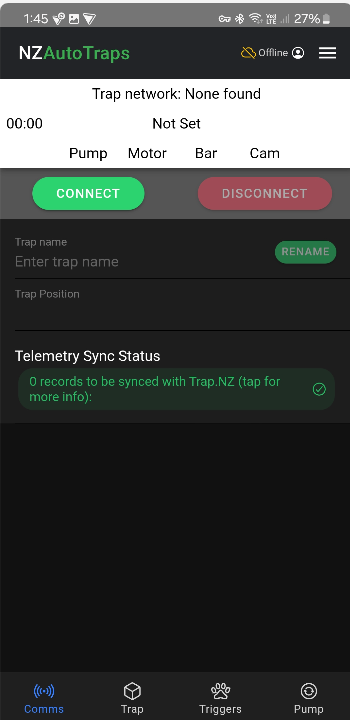
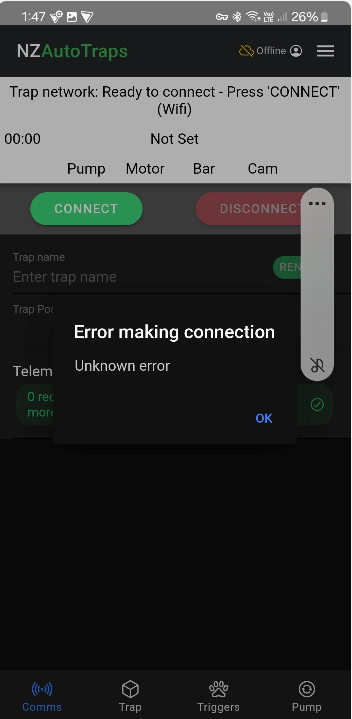
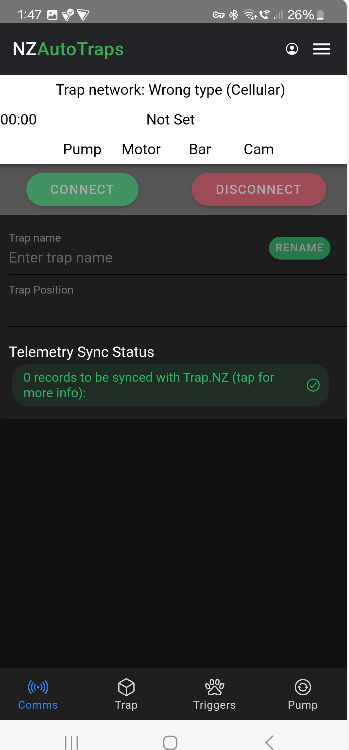
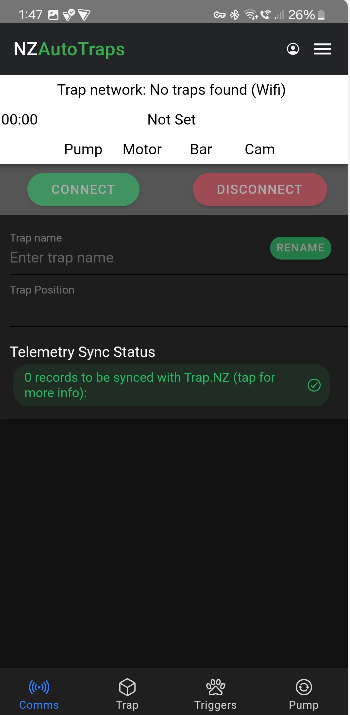
Hi, I brought an AT-220 trap to my home because it was showing an amber light, which apparently means ‘eyes fair’.
I’m having a devil of a time connecting to it. Is this because I’m connected to my WiFi router at home with my phone?
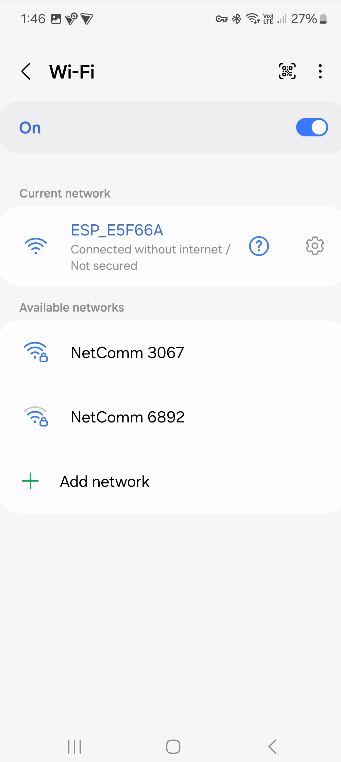
Do I need to disconnect from my home WiFi then try again? Or actually connect to the AT-220 connection then try and connect?
Also, can you connect when the trap is in manual mode? Or when the bar is resetting? Does the trap have to be set with the green light blinking to connect?
Go into your device settings and/or network settings.
Disable your mobile data
Disable bluetooth
Disable any VPN connections (If you don’t know what this is it may still be relevant if you have a securely controlled / locked down device provided to you by your employer. If so you may need to talk to your IT service desk about what you can do to use the device in question with an NZAT AT220)
Enable wifi (if it isn’t already)
Edit your home Wifi connection (or any other local / nearby Wifi networks) and disable auto-reconnect
I have an Android phone. I found the new app unreliable.
Gone back to the original app and once a trap is connected for the first time it’s automatic connection every time after that.
But the original app doesn’t work on iPhones.
Turn the AT220 on by perssing the white or orange button once them go into your phones wifi and press eg. esp_698968 or what is says by the battery input.
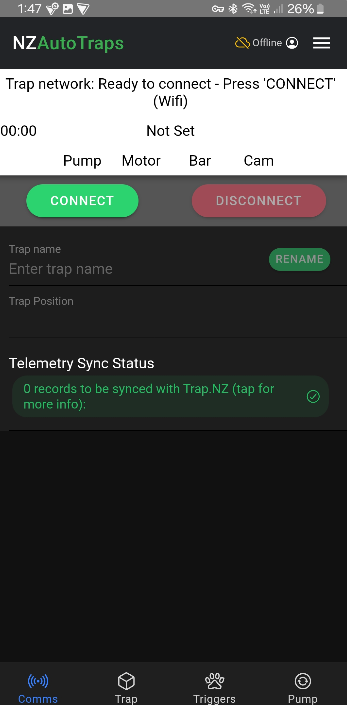
Then go to the app and press connect and all done!
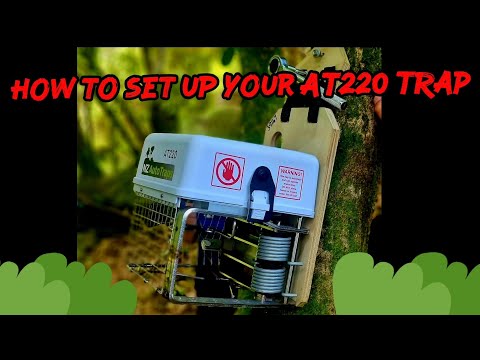
I made a youtube video abot setting a AT220 up here is the link
Cheers
Taane mills
Otuwhero blue duck Project-saving whio