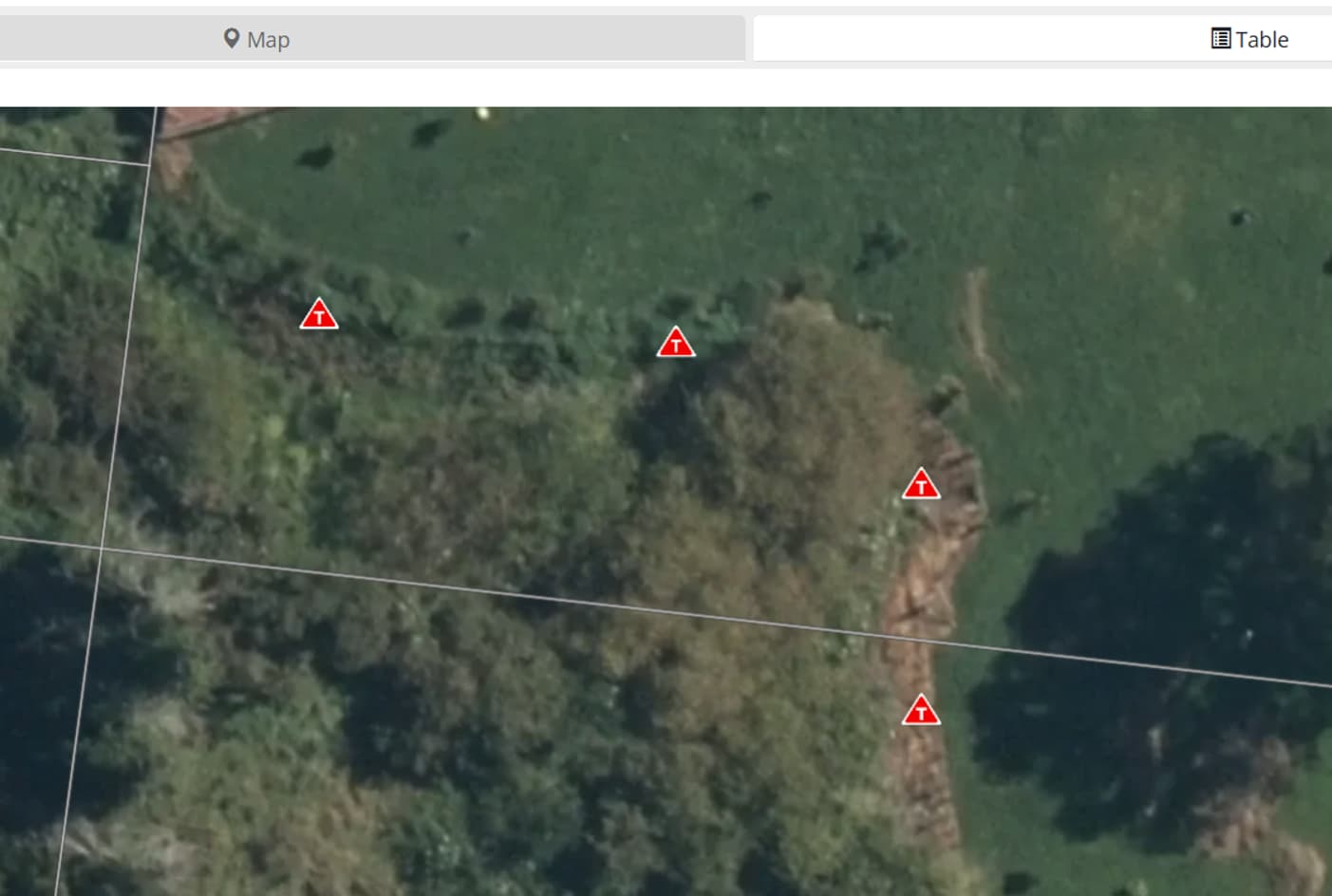
Two traps are disabled and two are not - which is which??? The old view showed them differently, unfortunately not the new view  Please can you remedy?
@Faith, the Overview page hasn’t been changed as part of the new navigation. It is still the same as it has always been.
The app displays disabled traps differently because that is how you identify and re-enable them.
I’ll pass your feedback on to the developers, as they may want to consider making the two views look more consistent in the future.
1 Like
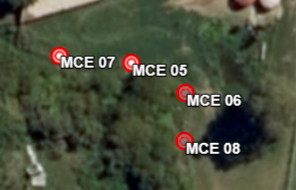
If I click on Take me back to the [old view] This is what I see - The two disabled traps are presented differently to the active ones. Both these views are on the webpage,