I need to print a map with a certain trap line only on it - The recent update has removed this ability. It is an essential part of inducting a new trapper and when making changes to a trap line - Please can this be remedied urgently as I need it urgently.
@faith none of the features for printing off any features has been removed with the new navigation page. If you previously accessed the map via the map overview page you can still access it via the “manage” > “traps” this will take you to the traps page
But there is no longer an option to see traps in map or list - how do I print a map with just one or two trap lines
@faith when you click the manage tab then click the trap button it will open the overview page that shows the list and map
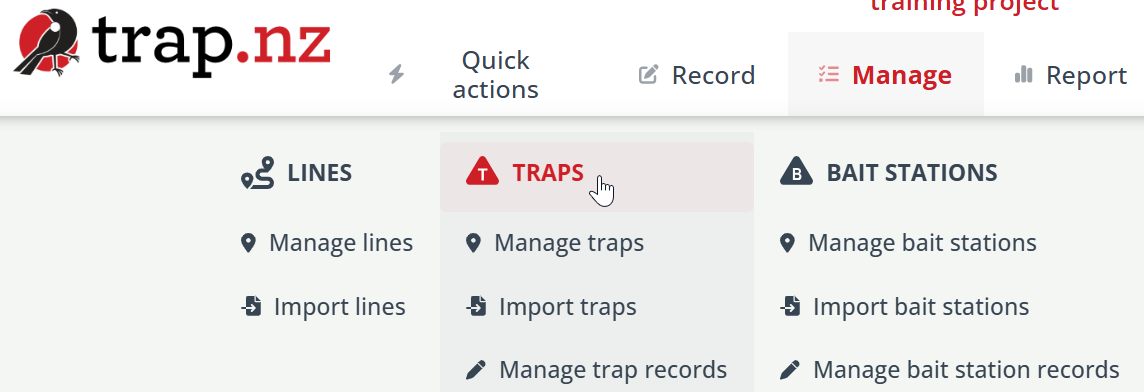
Doh - I have just seen what you mean! I was selecting manage traps from the dropdown list - I did not realise I could select the header - THANK YOU! Got it!
1 Like