What happened to “Hide Quick Actions”
So how do I turn off the “quick actions” that I do not want? It reduces the information I can see on reports such as “Trap records”
1 Like
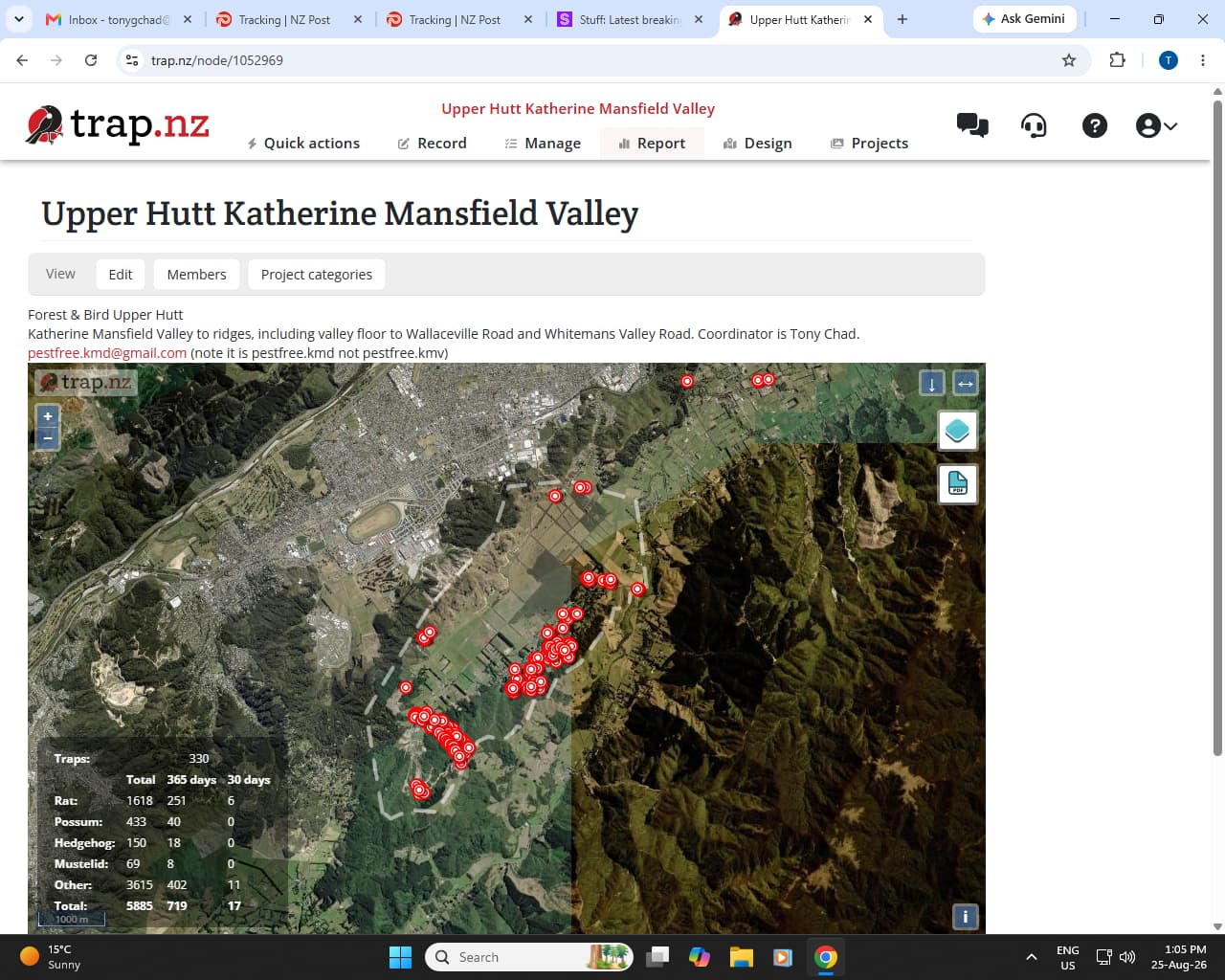
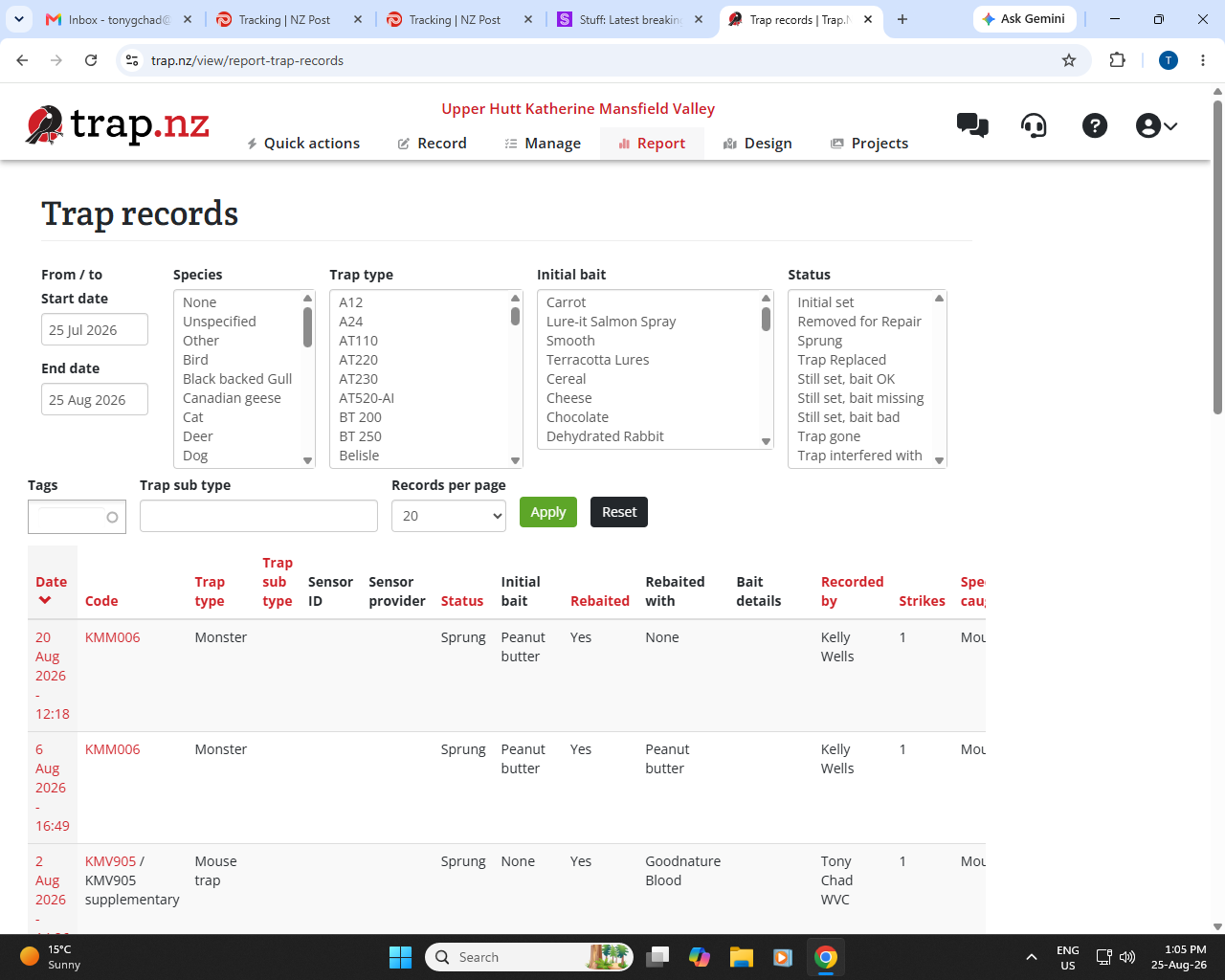
@Tony_Chad Previously, we had a Hide option because Quick Actions appeared directly on the main screen and some members preferred not to have them displayed there. The hide option was provided to give members some control over their screen.
With the new navigation, Quick Actions are now positioned at the top of the navigation rather than taking up space on the main page. Because of this, the Hide option is no longer needed.
There is still the big block of blank screen to the right that makes it hard to see things such as the full trap records without having to scroll to the bottom of the page then use the scroll bar to scroll the records page … You can see this on Tony’s screen shots! It is on most of the pages!
I agree with the comments by Faith! Although you have stuck the Quick Actions up in the menu somewhere, there is still a restriction on the screen width.
Because of this, the Hide option is no longer needed.
In whose opinion?
I would suggest that when your IT developers are making changes to the application then they should make sure they have tested on more than one screen-width.
Acknowledge the issue, and thanks for feedback. We are sorting it now.
2 Likes
Fix has been released. Thanks for your patience.
1 Like
Seems to have been fixed. Thank you.
1 Like